Android app
Get Grubbiee on your phone.
Grubbiee is free. Download the app below and install it in about a minute. It isn't on the Play Store yet, so it comes straight from us.
Install in five steps
Quick to set up.
Download
Tap Download Grubbiee above. If Chrome asks, choose Download anyway.
Open the file
Open Grubbiee.apk from the download notification or your Downloads folder.
Allow the install
Android may say your browser can't install apps. Tap Settings, turn on Allow from this source, then go back.
Install
Tap Install. If Play Protect asks to scan the app, let it.
Sign in & allow location
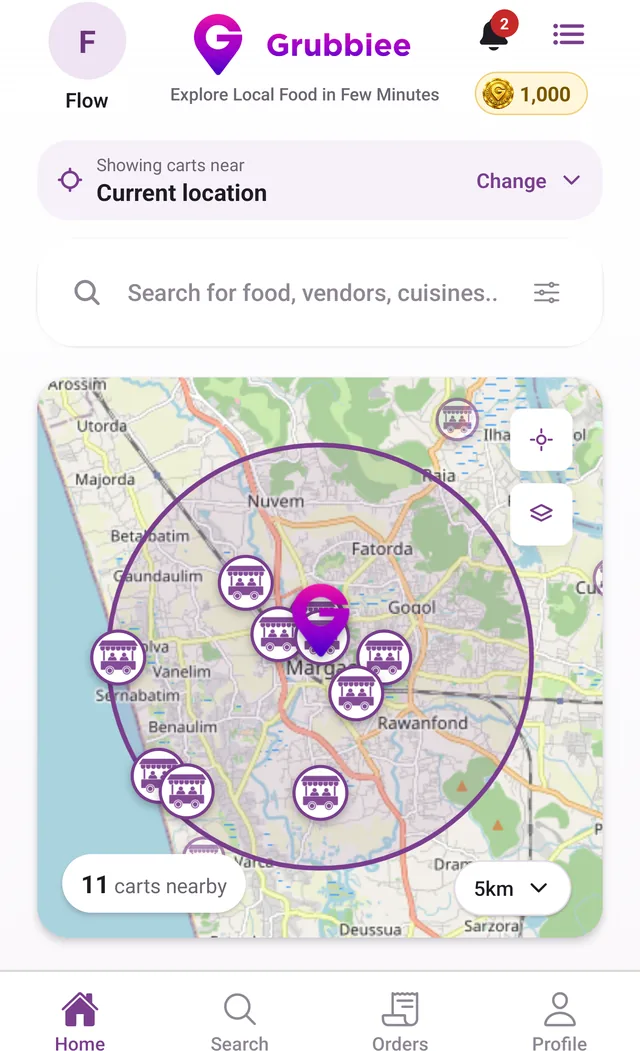
Open Grubbiee, sign in with your mobile number and the OTP we text you, and allow location to see the carts near you.
Stay safe: only install Grubbiee from grubbiee.com. To update, download it again from this page and install over the old app. Your account and coins are kept.
App questions
Before you install.
Is Grubbiee on the Play Store?
Not yet. For now you can download the Android app directly from grubbiee.com/download. Only install Grubbiee from this website.
Is there an iPhone app?
Not yet. Grubbiee is on Android first.
Do vendors or other users see my phone number?
No. Vendors see your name on an order, not your phone number or email. Other customers only see your first name, last initial and photo, and only people you accept as followers see the dishes and carts you like.
How do I update the app?
Download the latest APK from the download page and install it over the old one. Your account, orders and coins are kept.
How do I contact Grubbiee?
Email support@grubbiee.com. For a problem with an order, include the order number shown in the app.